YouTubeサムネイル圧縮ツール
最大10枚のサムネイル(JPEG/PNG/WebP)をローカルで2MB以下に高画質圧縮。ZIP一括保存も可能。
Workbench Controls
最大10枚 · 1枚あたり20MBまで · 合計50MBまで。新しい画像を選択すると現在のリストが置き換わります。
画像はお使いのブラウザ内で1枚ずつ順番に処理されます。サーバーへの送信は一切行われません。合計制限60MB。
Output & Inspection
一括処理の結果
ZIPファイルには目標サイズ未達の場合でも、処理が完了したすべての画像が含まれます。
画像を圧縮した後、一覧から画像を選択して原本と比較し、保存してください。
適用前と適用後の比較検証
このツールで処理されたサンプル例です。実際の画像や設定によって結果は異なります。
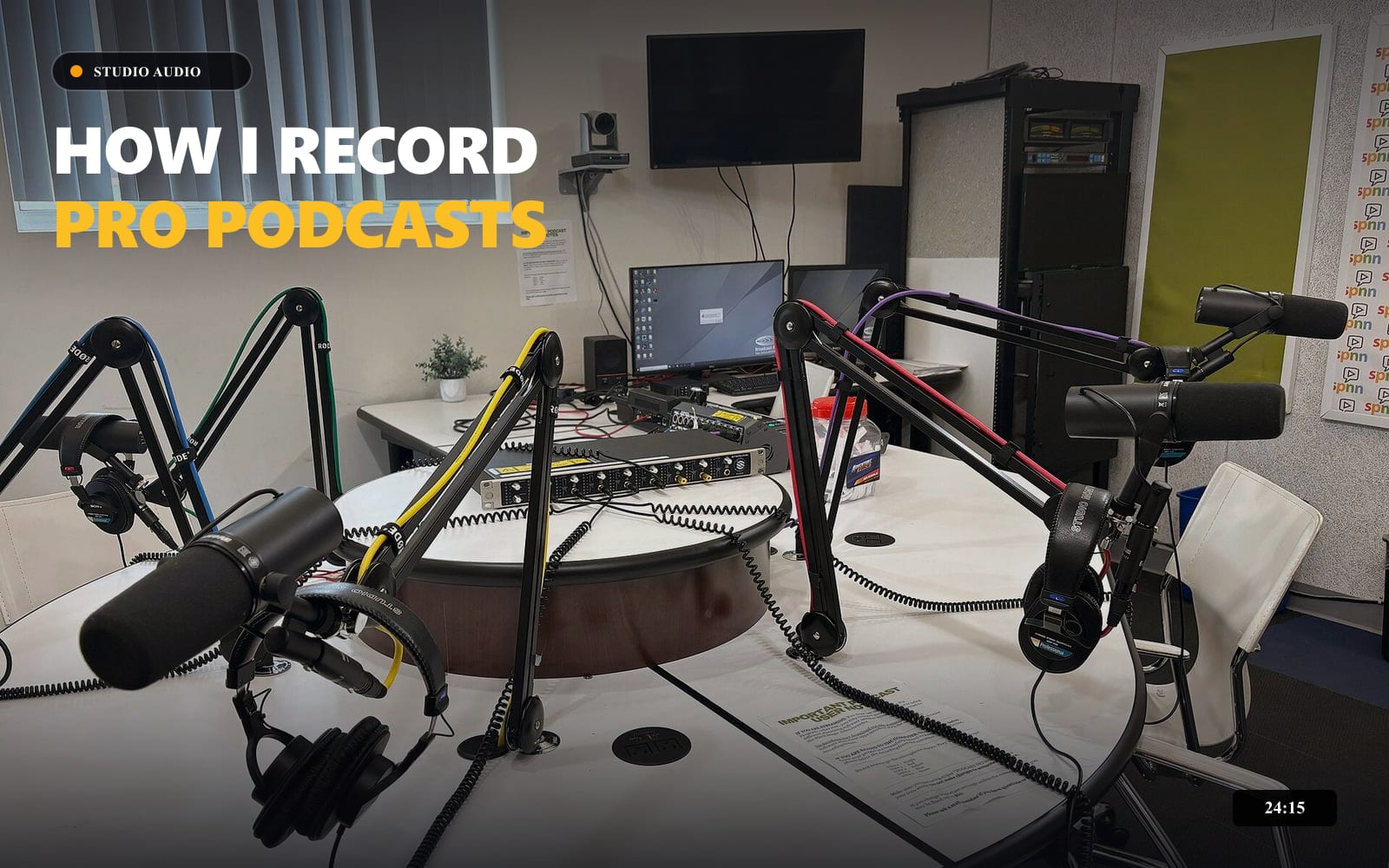
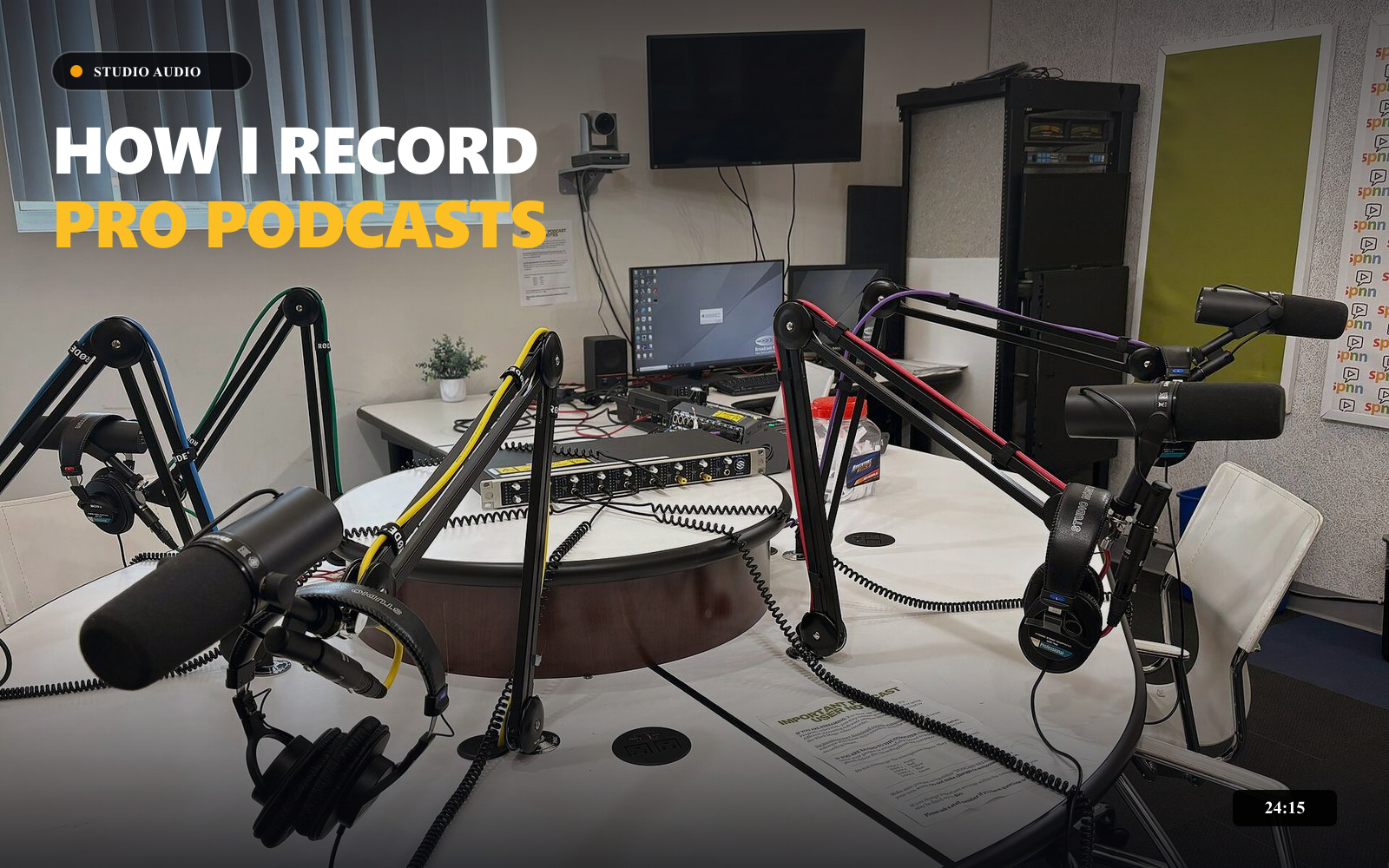
Same 1600 × 1000 dimensions. JPEG, 2,000 KB target, maximum quality 90%. File sizes below are measured from these example files; results vary by image and browser.
このツールの使い方
一貫した公開品質を維持するための標準ワークフロー推奨手順
- ステップ // 01
画像ファイルを指定
1枚〜最大10枚のサムネイル(各20MB以内)を選択します。画像はブラウザ内で1枚ずつ安全に処理されます。
- ステップ // 02
目標容量を設定
YouTube Studioの2MB上限に合わせて容量スライダーと出力形式(JPEG/PNG/WebP)を指定します。
- ステップ // 03
品質比較と一括保存
圧縮結果の画質と容量を確認し、個別ダウンロードまたはZIP一括書き出しを行います。
YouTubeサムネイル圧縮ツールについて
Every image uses the same target, format, and maximum quality settings. Changing settings or selecting a replacement batch clears previous outputs so you cannot download results from stale settings. Removing an individual image keeps the other completed results.
Dimensions are preserved. Re-encoding can change colors or remove embedded metadata. If the original is retained, its metadata is retained too. Samples load one image; upload multiple files to test a batch.
Check YouTube’s current thumbnail guidance before uploading.
よくある質問
画質を落とさずにYouTubeサムネイルを圧縮するには?
サムネイルのサイズを2MB以下に抑える方法は?
サムネイルのファイルサイズを軽くするコツは?
YouTubeサムネイルの最大ファイルサイズは?
PNGのサムネイルを圧縮するには?
おすすめの関連ツール
公開前準備をさらに加速する補完ユーティリティ
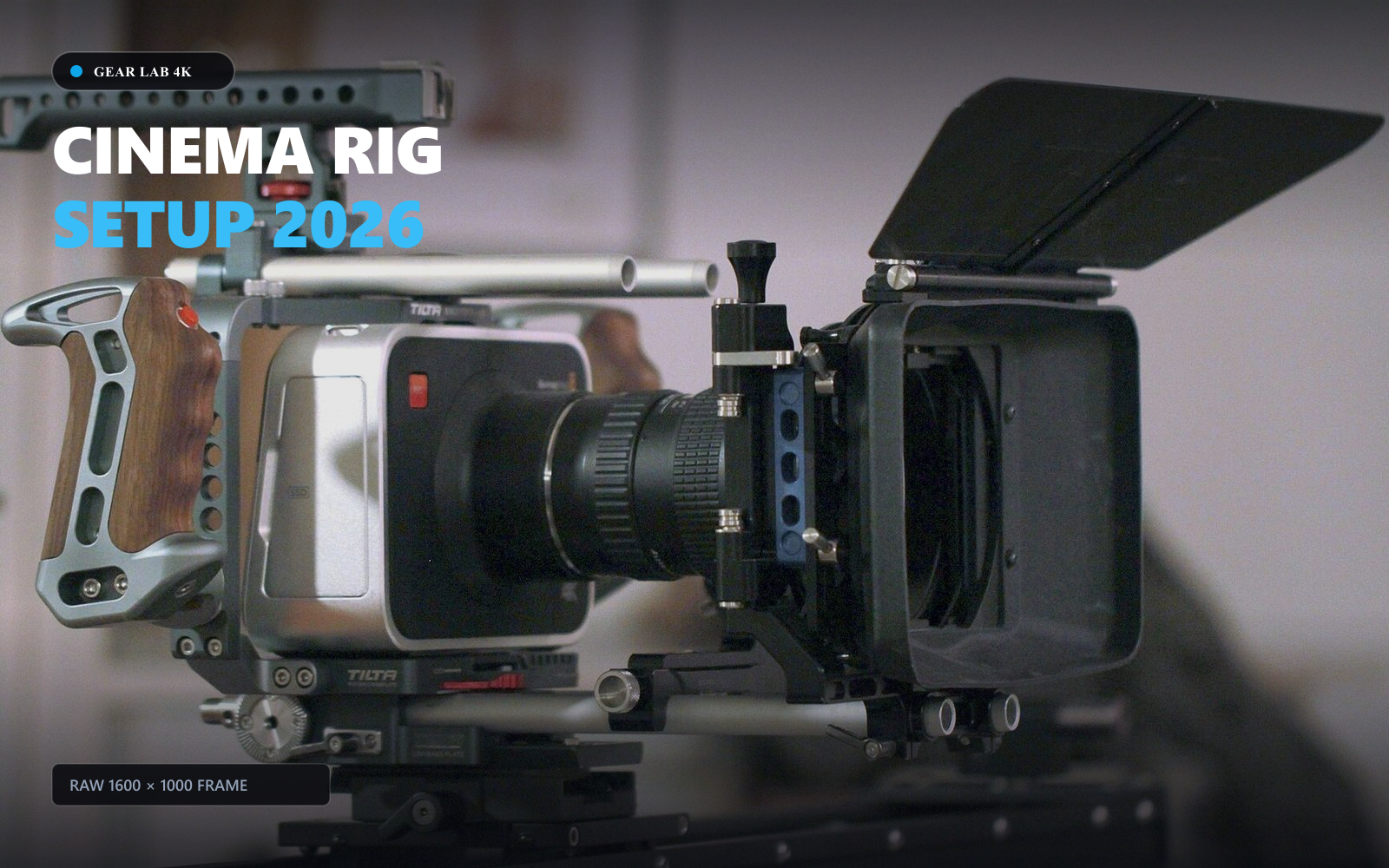
YouTubeサムネイルリサイズツール
Resize thumbnails, channel banners, profile pictures and watermark assets locally, with framing guides, custom dimensions and image downloads.
How I Automated My Workflow...
 TechCreator • 120K views
YouTubeタイトル診断&文字数チェッカー
Check title length, punctuation, whitespace, and topic phrase placement with an illustrative wrapping preview.

ロゴ背景透過・消去ツール
Remove a solid-color background from your existing logo locally. Compare before and after, then download a transparent PNG.