Logo Background Remover
Remove a solid-color background from your existing logo locally. Compare before and after, then download a transparent PNG.
Workbench Controls
Client-side flood-fill for flat logo backgrounds. No AI artifacts, server uploads, or brush scrubbing. JPEG, PNG, or WebP up to 20 MB.
Output & Inspection
Before & After Comparison
Upload a logo to preview original and generate transparent output.
Before and After Inspection
A fictional example processed with this tool. Your image and settings will produce different results.


White background removed at 12% tolerance. Enclosed white lettering stays intact. The checkerboard indicates transparency and is not part of the file.
How to use this tool
Standard workflow recommendations for consistent publish quality
- STEP // 01
Choose your logo
Select a still JPEG, PNG, or WebP with a flat background. The starting color comes from its top-left pixel.
- STEP // 02
Remove the background
Confirm the color and adjust tolerance. Select Remove background to process the border-connected areas.
- STEP // 03
Inspect and download
Check edges on light, dark, and checkerboard previews, then download your transparent PNG.
About Logo Background Remover
Choose an existing logo with a solid background, confirm the background color, and adjust tolerance. Select Remove background, inspect the actual before/after images, then download a transparent PNG.
This tool removes matching colors connected to the image border. It preserves enclosed areas, including enclosed background inside letters. Similar foreground colors touching the background can also be removed. Complex photos, gradients, shadows, and anti-aliased edges may need a dedicated editor.
Processing stays in your browser. Images are not saved between visits. Original dimensions are preserved; PNG output may be larger than your source file.
Frequently Asked Questions
Related Creator Tools
Complementary utilities for your YouTube pre-publish checklist
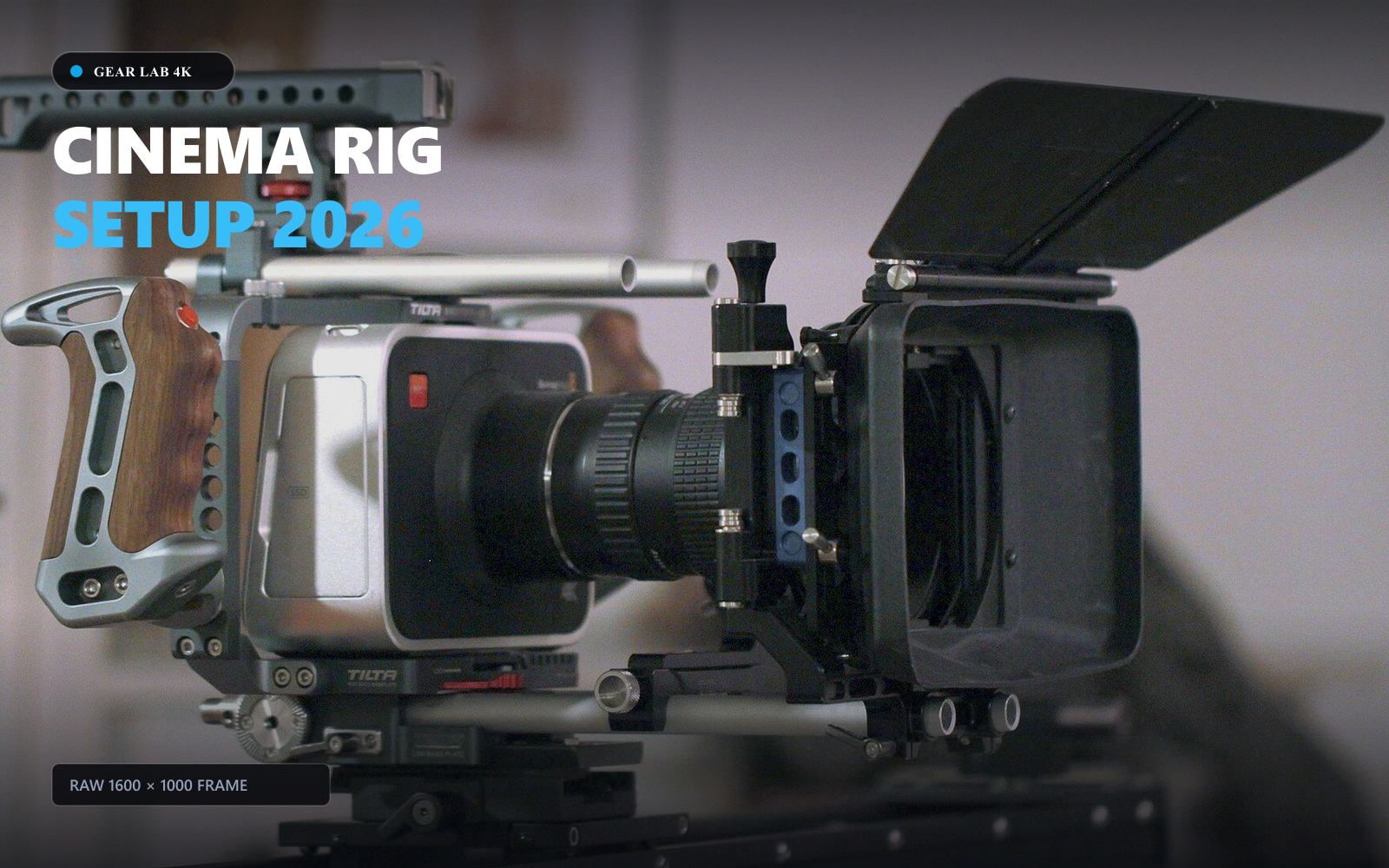
YouTube Thumbnail Resizer
Resize thumbnails, channel banners, profile pictures and watermark assets locally, with framing guides, custom dimensions and image downloads.
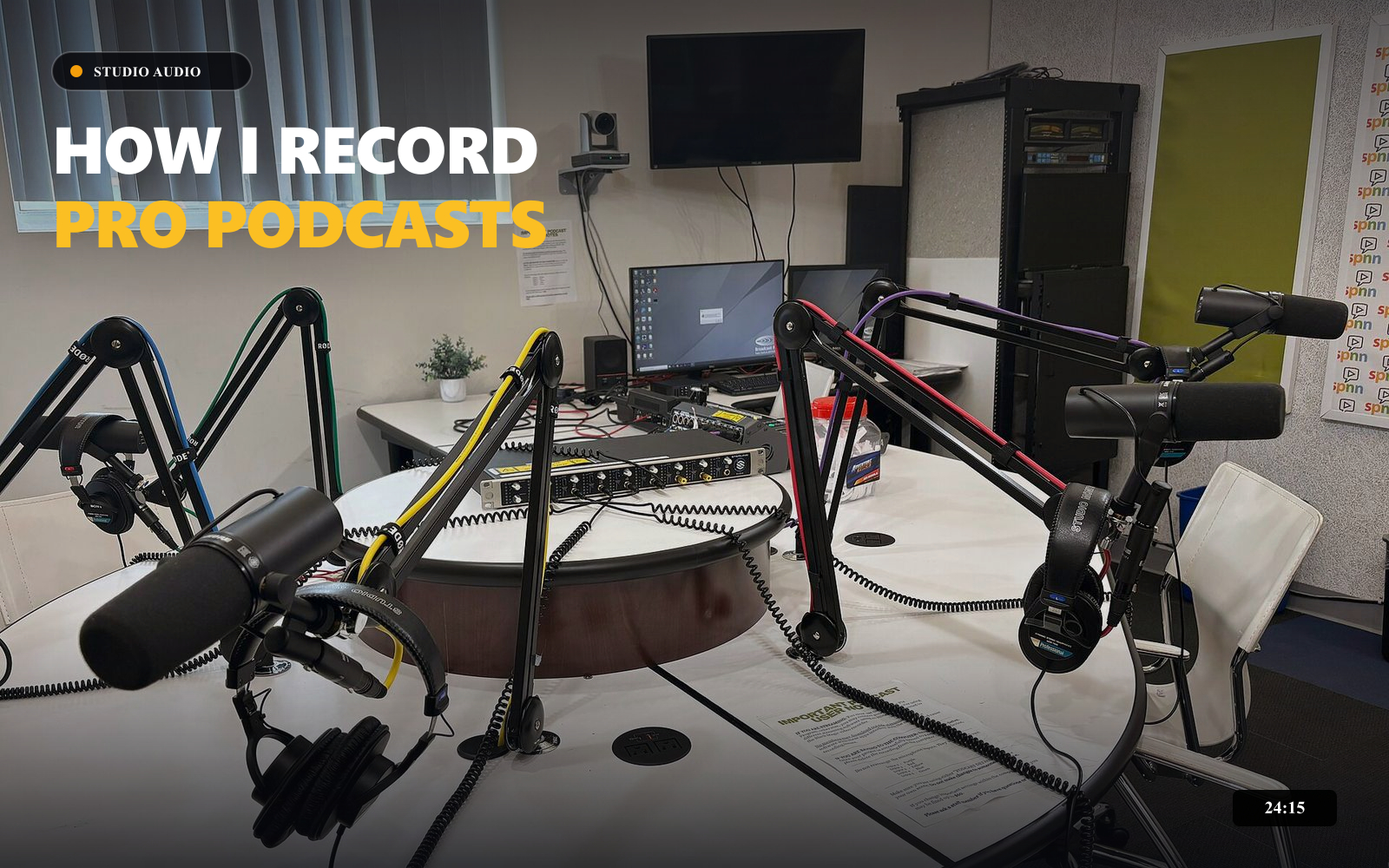
YouTube Thumbnail Compressor
Compress up to 10 JPEG, PNG, or WebP thumbnails locally. Compare each result and download images individually or together as a ZIP.
How I Automated My Workflow...
 TechCreator • 120K views
YouTube Title Checker & Analyzer
Check title length, punctuation, whitespace, and topic phrase placement with an illustrative wrapping preview.